CapCut vs Filmora: Ultimate 2026 Guide
Deciding between Filmora and CapCut hinges on your specific requirements. For those prioritizing speed and simplicity in mobile environments, CapCut often emerges as the preferred option. Its streamlined design allows users to jump into editing without a steep learning curve, ideal for generating content on the fly. Filmora, however, excels in scenarios demanding more control and advanced capabilities, such as multi-track timelines and professional-grade effects.
Recent comparisons highlight how CapCut’s integration with social media platforms streamlines sharing, while Filmora’s broader toolset supports intricate projects like vlogs or promotional videos. If your work involves frequent uploads to TikTok or Instagram, CapCut’s templates and effects library can accelerate production. Conversely, Filmora’s customizable options cater to users seeking polished results. Ultimately, the better choice depends on whether you value rapid turnaround or depth in customization.
CapCut vs Filmora Reddit Insights
Community feedback on platforms like Reddit reveals varied experiences with these editors. Many users praise CapCut for its cost-effectiveness and ease, noting how it handles basic tasks efficiently without overwhelming interfaces. Discussions often mention its pro plan updates, with some expressing frustration over price adjustments but appreciating the added AI features. For instance, in threads comparing editing software, contributors highlight CapCut’s suitability for short videos, while pointing out limitations in complex audio handling.
Filmora receives commendations for its reliability in longer projects, though some criticize the watermark in free versions and occasional support issues. Reddit users frequently recommend starting with CapCut for novices before transitioning to Filmora for more demanding work. These conversations underscore the importance of trying both, as personal preferences play a key role. For deeper dives into user opinions, check out this Reddit thread on CapCut vs Filmora where editors share their switches and reasons.
CapCut vs Filmora Price Breakdown
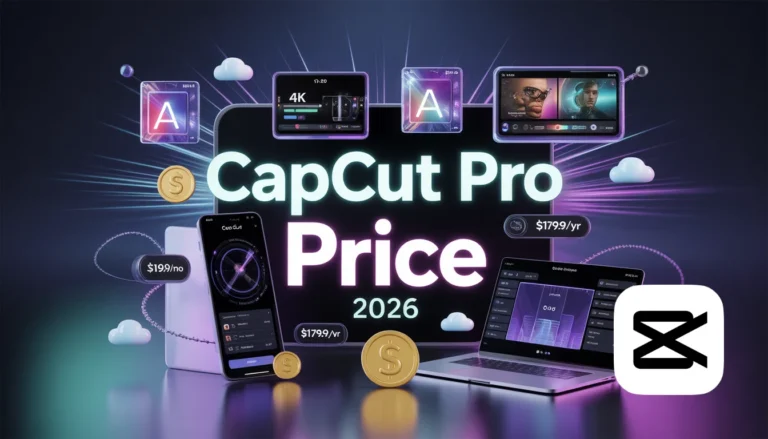
Pricing remains a critical factor in choosing between these tools. CapCut offers a free tier with essential features, appealing to budget-conscious creators. Its Pro version, priced at $19.99 per month or $179.99 annually, unlocks advanced AI modules and removes limitations, providing 1200 points monthly for premium functionalities. This structure suits users who need occasional upgrades without long-term commitments.
Filmora’s pricing includes a free version with watermarks, transitioning to a $59.99 annual plan that grants access to 100GB cloud storage and 2000 AI points. This makes it more economical for sustained use, especially for those leveraging its extensive library. While CapCut’s entry point is lower, Filmora’s value shines in professional settings where additional storage and tools justify the cost. Recent price hikes in CapCut have sparked debates, but both remain competitive compared to high-end alternatives.
| Pricing Aspect | CapCut | Filmora |
|---|---|---|
| Free Version | Yes, with limited effects | Yes, with watermark and restrictions |
| Monthly Pro | $19.99 | N/A |
| Annual Pro | $179.99 (1200 AI points/month) | $59.99 (100GB storage + 2000 AI points) |
| Best For | Flexible, short-term use | Long-term, feature-rich projects |
CapCut vs Filmora Mobile Experience
Mobile editing has become indispensable, and both platforms deliver solid performances here. CapCut’s mobile app stands out for its intuitive controls, optimized for touchscreens, allowing seamless trimming, effects application, and exports. With over a billion downloads, it’s tailored for on-the-go creators, supporting high-resolution outputs up to 4K.
Filmora’s mobile version offers similar compatibility but leans toward more detailed adjustments, including AI-based enhancements. Users report smoother rendering on CapCut for quick tasks, while Filmora handles layered edits better on devices. If mobility is your priority, CapCut’s lighter app size (around 144 MB) ensures faster loads compared to Filmora’s 86 MB. Both support Android and iOS, but CapCut’s social integrations give it an edge for viral content.
CapCut vs Filmora 13 Updates
The latest iterations, including Filmora 13, introduce enhancements that elevate editing efficiency. Filmora 13 boasts improved AI tools like smart masking and planar tracking, enabling precise subject isolation and element attachment to moving objects. These updates make it suitable for creators aiming for cinematic quality without complex software.
CapCut counters with refined keyframe animations and AI voice changers, focusing on trendy effects for social media. While Filmora’s multi-camera editing supports syncing multiple angles, CapCut emphasizes speed ramping and video enhancers. In 2026, these versions reflect a push toward AI automation, reducing manual efforts. For users upgrading from older editions, Filmora’s path curve keyframes provide smoother animations, a feature CapCut matches in basics but not in depth.
CapCut vs Filmora vs Premiere Pro
When expanding the comparison to include Premiere Pro, the differences become stark. Premiere Pro, Adobe’s flagship, targets professionals with unparalleled integration in the Creative Cloud ecosystem, but it comes with a steeper learning curve and higher costs (around $20.99/month). CapCut and Filmora serve as accessible entry points, with CapCut excelling in simplicity and Filmora bridging to pro levels.
Premiere Pro’s strengths lie in advanced color grading and collaboration tools, areas where Filmora approaches with its color matching and AI features, while CapCut remains more casual. For hobbyists, starting with CapCut or Filmora before moving to Premiere Pro is common advice. This trio represents a spectrum: CapCut for beginners, Filmora for intermediates, and Premiere Pro for experts.
CapCut vs Filmora 2025 Evolutions
Looking back at 2025 developments sets the stage for current capabilities. Both editors ramped up AI integrations, with CapCut adding lyrics-generated music and Filmora introducing AI sound effects. These evolutions addressed user demands for faster workflows, resulting in 2026’s refined interfaces. CapCut’s focus on mobile trends contrasted Filmora’s desktop optimizations, influencing their respective user bases.
CapCut vs Filmora vs Canva
Incorporating Canva into the mix highlights diverse use cases. Canva excels in graphic design with video elements, but lacks the depth of dedicated editors like CapCut or Filmora. For quick memes or social graphics, Canva’s templates are unmatched, yet for full video production, CapCut’s editing speed or Filmora’s effects library prevail. This comparison is useful for multifaceted creators blending visuals.
CapCut vs Filmora for PC
Desktop versions amplify both tools’ potentials. CapCut for PC mirrors its mobile prowess with added stability for larger files, supporting web-based editing too. Filmora’s PC app, compatible with Windows and macOS, offers a more comprehensive workspace, including professional plugins like Mocha for tracking. Users report Filmora’s superior handling of high-res projects on desktops, while CapCut appeals for its no-cost entry.
User Interface: CapCut vs Filmora
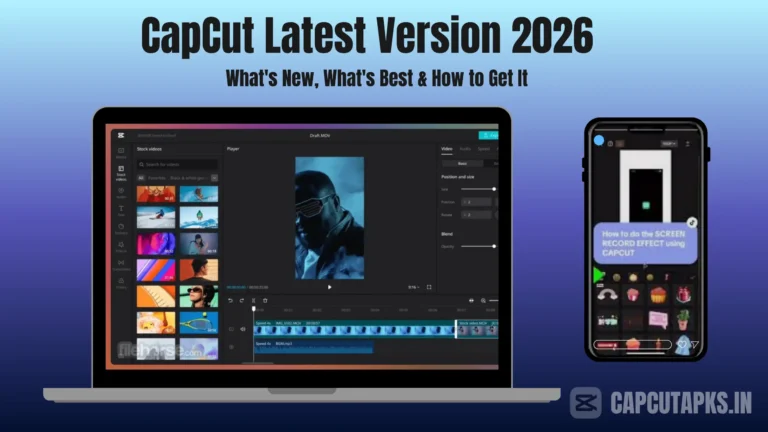
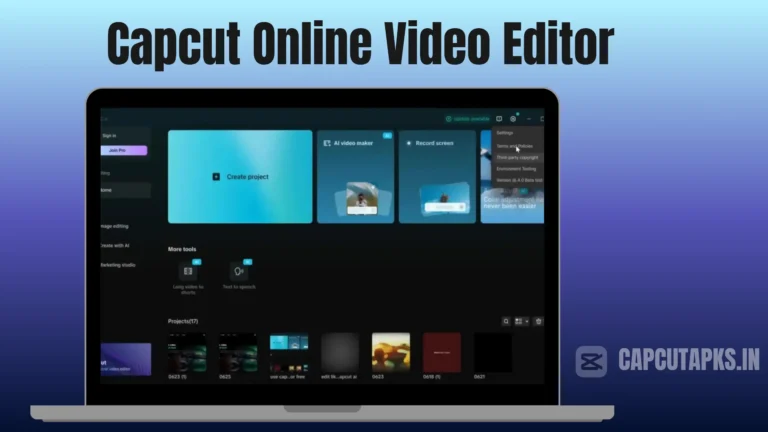
CapCut’s interface prioritizes accessibility, featuring a clean layout where tools are intuitively placed for rapid navigation. This design facilitates quick learning, with drag-and-drop elements that streamline the process from import to export. Beginners often find it less intimidating, as the focus remains on essential functions without clutter.
Filmora presents a more structured environment, resembling professional software yet remaining approachable. Its customizable panels allow users to tailor the workspace, accommodating complex projects. While slightly more intricate, this setup empowers detailed adjustments, such as precise audio syncing or effect layering. Both interfaces support high ratings, with CapCut at 4.8/5 and Filmora at 4.7/5, reflecting their user-friendly natures.
Features and Editing Tools: CapCut vs Filmora
CapCut equips users with a solid array of tools, encompassing trimming, merging, and enhancements like filters and transitions. Its advanced offerings include keyframe animations for dynamic movements and basic color corrections to refine visuals. Speed controls enable creative pacing, ideal for engaging short clips.
Filmora distinguishes itself with AI-driven innovations, such as motion tracking for attaching graphics to subjects and speech-to-text for efficient captioning. It also features extensive audio manipulation, including equalizers and noise reduction, alongside video denoise for clearer footage. These tools make Filmora versatile for varied projects, from tutorials to narratives.
| Feature Category | CapCut | Filmora |
|---|---|---|
| Basic Editing (Trim, Split, Merge) | ✅ | ✅ |
| Advanced (Motion Tracking, Keyframes) | ✅ (Basic) | ✅ (Advanced) |
| AI Tools (Smart Masking, TTS) | ✅ (Limited) | ✅ (Extensive) |
| Audio Features (Noise Removal, Mixing) | ✅ | ✅ (More Options) |
| Export Resolution | Up to 4K | Up to 4K |
Performance and Special Effects
CapCut optimizes for swift rendering, particularly on mobile, ensuring minimal lag during previews. Its effects library, though limited, includes trendy transitions and auto-captions, perfect for social media optimization. This performance suits creators needing immediate results.
Filmora delivers robust processing, handling multiple layers without significant slowdowns on capable hardware. Its customizable effects, including motion graphics and collaborations with effects providers like Boris FX, enable professional visuals. For detailed work, Filmora’s stability stands out, though it may require more resources than CapCut.
Cost Considerations in CapCut vs Filmora
Beyond initial pricing, consider long-term value. CapCut’s free model allows experimentation, with Pro unlocking premium assets. For frequent users, the annual plan offers savings, but occasional creators might stick to basics. Filmora’s subscription includes cloud benefits, reducing local storage needs, and its one-time payments in some regions appeal to committed editors.
To access enhanced CapCut features without standard costs, options like Capcutapks provide modified versions offering pro tools for free. This can be a practical choice for testing advanced capabilities before committing. Always ensure downloads from reliable sources to maintain device security.
Output Quality: CapCut vs Filmora
Both editors support 4K exports, delivering sharp, vibrant results. CapCut maintains quality in fast-paced edits, with options for high-bitrate outputs. Filmora’s color tools ensure professional-grade fidelity, ideal for projects requiring accurate hues and contrasts. In side-by-side tests, Filmora often edges out in nuanced details, while CapCut excels in efficiency.
| Output Metric | CapCut | Filmora |
|---|---|---|
| Max Resolution | 4K | 4K |
| Rendering Speed | Fast | Fast (with more options) |
| Quality Preservation | High | High (Advanced corrections) |
CapCut vs Filmora vs DaVinci Resolve
DaVinci Resolve introduces studio-level color grading and fusion effects, surpassing CapCut and Filmora in precision but demanding more expertise. CapCut serves as an entry, Filmora as a midpoint, and Resolve for advanced users. This progression helps creators scale skills.
CapCut vs Filmora vs Wondershare
Wondershare encompasses Filmora, but comparisons often pit it against CapCut directly. Wondershare’s ecosystem includes additional tools, enhancing Filmora’s appeal for integrated workflows.
Conclusion
Navigating CapCut vs Filmora reveals two capable editors tailored to different audiences. CapCut thrives in mobile, trend-driven environments, offering affordability and speed for social content. Filmora provides depth for professional aspirations, with AI advancements streamlining complex tasks. Your decision should reflect editing frequency, device preferences, and project scope. For further reading on similar tools, explore this detailed comparison from Wondershare.
You might also consider the battle between CapCut and Canva for graphic-heavy edits.
FAQs
Is Filmora Better Than CapCut?
Filmora often outperforms CapCut in advanced features like multi-camera editing and professional plugins, making it superior for detailed projects. However, CapCut’s simplicity and lower entry cost make it better for quick, mobile-based tasks.
What is the No. 1 Best Video Editor?
No single editor claims the top spot universally, but Premiere Pro frequently ranks highest for professionals due to its comprehensive tools. For accessibility, CapCut leads in mobile categories, while Filmora balances ease and power.
Is There Better Than CapCut?
Alternatives like Filmora or DaVinci Resolve offer more features for complex needs, though CapCut remains unmatched for free, fast social media editing.