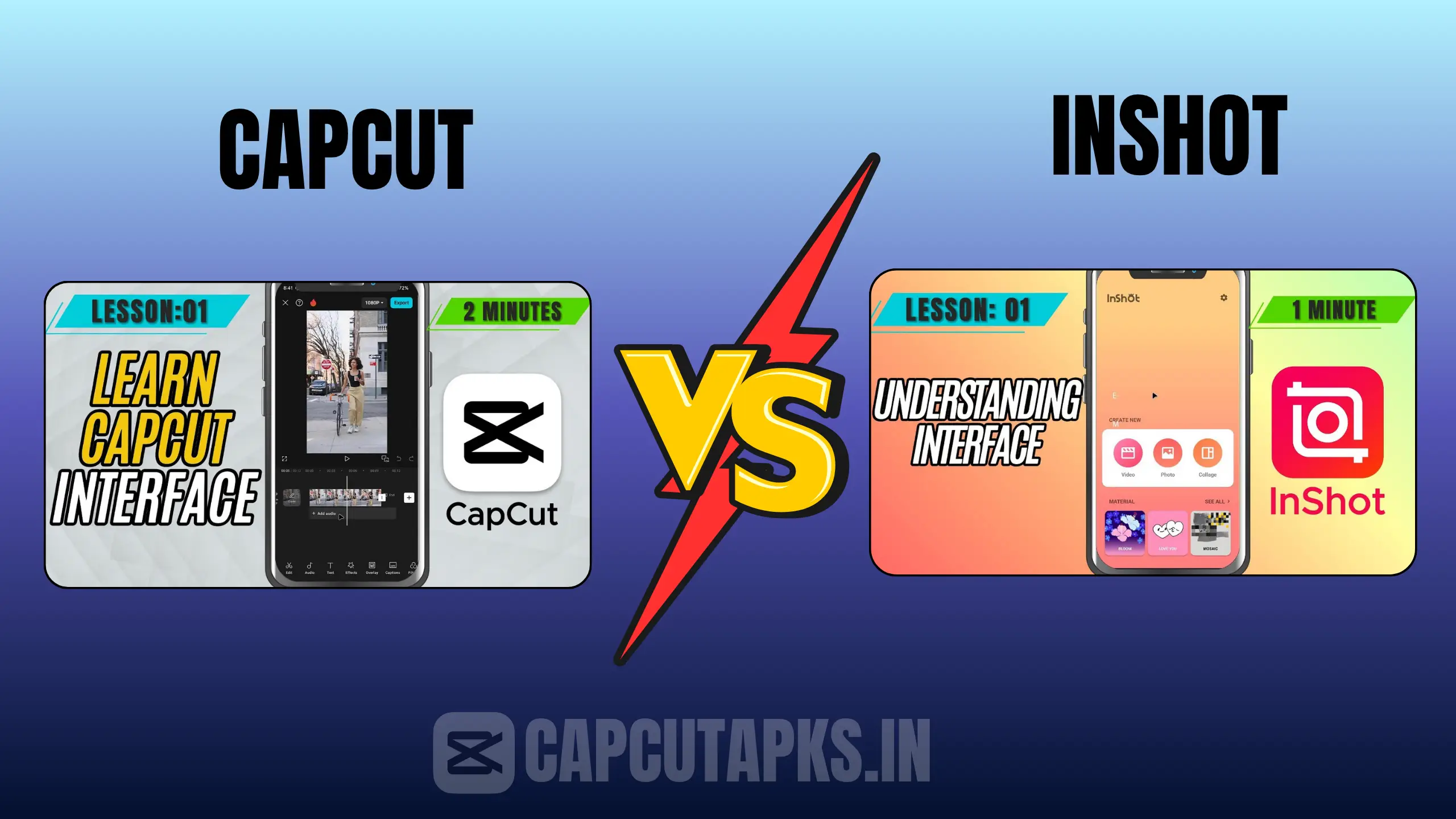
CapCut vs InShot: Which Video Editing App is Right for You?
In the dynamic landscape of mobile video editing in 2026, choosing between CapCut and InShot remains one of the most common dilemmas for content creators. Whether you’re producing quick Instagram Reels in Mumbai, crafting TikTok trends, or editing longer YouTube videos, the right app can streamline your workflow and elevate your output. This detailed comparison breaks down CapCut vs InShot across key aspects like features, usability, pricing, and real-world performance to help you decide which one aligns best with your creative goals.
Both apps dominate the mobile editing space, with millions of downloads and high ratings. CapCut, backed by ByteDance, leans heavily into AI-powered tools and social media optimization, while InShot focuses on straightforward, reliable editing that’s perfect for fast-paced creators. As we explore CapCut vs InShot in depth, you’ll see how each app caters to different user types—from beginners seeking simplicity to advanced editors wanting professional-grade control.
CapCut vs InShot Which is Better Overall in 2026
The question of which is better—CapCut or InShot—doesn’t have a one-size-fits-all answer; it depends on your editing style and priorities. Recent 2026 reviews and user data show CapCut pulling ahead for creators who prioritize advanced AI features, trending templates, and seamless TikTok integration. Its auto-captions, one-click effects, and vast library of viral-ready assets make it incredibly efficient for short-form content that needs to perform on algorithms.
InShot, however, consistently earns praise for its rock-solid reliability, higher app store ratings (often 4.9/5 on iOS), and lower subscription costs. It’s the preferred choice for users who want quick, clean edits without aggressive upsells or complexity. If you’re editing on lower-end devices or value a no-fuss experience, InShot often feels more polished for everyday use.
Community discussions and expert analyses from sources like Wondershare Filmora and ASOTools highlight this split: CapCut wins for innovation and pro-level depth, while InShot takes the crown for value, ease, and consistency. Ultimately, many creators keep both installed—using CapCut for creative flair and InShot for rapid final touches.
User Interface and Ease of Use: CapCut vs InShot
Ease of use is often the deciding factor when picking a mobile editor. InShot delivers one of the most intuitive interfaces available in 2026. Its clean layout features large, clearly labeled tools for trimming, adding music, applying filters, and exporting—all accessible within seconds of opening the app. Beginners can jump in and produce polished videos almost immediately, with minimal menu diving required. The app avoids overwhelming users with too many advanced options upfront, making it ideal for casual creators or those editing on the go.
CapCut offers a modern, customizable interface that’s powerful once you learn it. The multi-track timeline, drag-and-drop effects, and gesture controls provide professional flexibility, but this comes with a noticeable learning curve. New users might spend time figuring out layers, keyframes, or AI tools, though the app includes helpful tutorials and templates to speed things up. For intermediate to advanced editors, CapCut’s workspace feels more rewarding and scalable.
If speed and simplicity matter most, InShot edges out. For depth and customization, CapCut pulls ahead.
Key Features Comparison: CapCut vs InShot
Both apps pack impressive toolsets, but their strengths diverge noticeably.
InShot excels in core editing essentials: robust filters, transitions, text overlays, stickers, and chroma key for green-screen effects. It supports unlimited video lengths, 4K editing, and high-quality exports without watermarks in the free version for many users. The music library, while not the largest, integrates well with social platforms, and AI effects add creative touches quickly.
CapCut pushes boundaries with AI-driven innovations like automatic speech-to-text captions in multiple languages, smooth slow-motion, video stabilization, glitch effects, and customizable AI models. Picture-in-picture overlays, 3D effects, and pro templates let you create trending content fast. Its TikTok integration removes watermarks on shared videos, and XML support enables workflows with other software.
Here’s a side-by-side feature comparison table for clarity:
| Feature | InShot | CapCut |
|---|---|---|
| Watermark (Free) | Often removable | Removed on TikTok shares |
| Max Video Length | Unlimited | Typically up to 15 minutes |
| Resolution Support | 4K editing & export | 4K editing & export |
| AI Auto-Captions | No | Yes (multi-language) |
| Chroma Key | Yes | Yes |
| Templates & Effects | Presets, stickers, filters | 1000+ trending pro templates |
| Stabilization | Basic | Advanced |
| PIP / Overlays | Limited | Full multi-layer support |
| Ad-Free | Via subscription | Yes |
| App Size (Approx.) | ~75 MB | ~140 MB |
| Global Downloads | 500M+ | 1B+ |
| Average Rating (2026) | 4.8–4.9/5 | 4.6–4.8/5 |
This table illustrates how CapCut offers more advanced creative tools, while InShot prioritizes straightforward reliability.
Pros and Cons of InShot
InShot continues to shine in 2026 for its balance of power and accessibility. The free version provides generous tools, including no intrusive watermarks for many exports, a wide sticker/effects collection, and fast performance even on mid-range phones. Its interface makes multitasking feel natural, and exports maintain high quality across formats.
Drawbacks include a more limited music selection compared to rivals and occasional challenges with very complex projects. The subscription unlocks everything, but some users note minor price adjustments in regions like India.
| Pros | Cons |
|---|---|
| Extremely beginner-friendly | Smaller music library |
| No watermark in many free exports | Can struggle with heavy multitasking |
| Affordable Pro plans | Fewer AI-driven advanced tools |
| Fast performance on most devices |
Pros and Cons of CapCut
CapCut stands out for its cutting-edge features that save time and boost creativity. AI auto-captions alone can shave hours off editing, while templates and effects keep content fresh and viral-ready. High-quality exports, multilingual support, and no watermarks on TikTok make it a favorite for social media pros.
Limitations persist, such as the video length cap (though workarounds exist for some) and a steeper initial learning curve. In certain regions, access issues linger, though updates in 2026 have improved availability in India for Pro features without always needing VPNs.
| Pros | Cons |
|---|---|
| Powerful AI tools & templates | Video length restrictions |
| Excellent for short-form trends | Steeper learning curve |
| TikTok integration & no watermark | Occasional regional access hurdles |
| Advanced multi-layer editing |
Pricing: InShot Subscription Price in India and CapCut Costs
Pricing plays a big role in the CapCut vs InShot decision, especially in markets like India. InShot’s Pro subscription remains one of the best values—often around ₹150–₹400 monthly or ₹1,500–₹2,000 annually (with lifetime options near ₹3,000–₹4,000 via official or trusted channels). This unlocks ad-free use, premium effects, and priority support, making it budget-friendly for long-term creators.
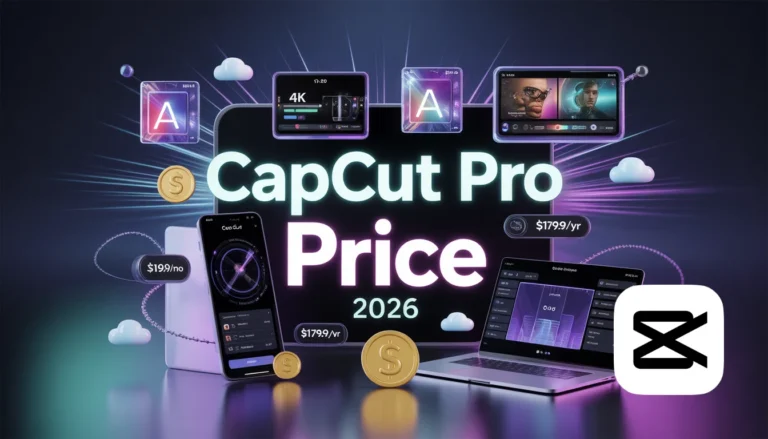
CapCut Pro typically costs more globally (around $7–$8/month or $60+/year), though regional pricing and promotions vary. In India, recent 2026 updates have made Pro features more accessible directly without VPNs for many users, focusing on AI extras and unlimited exports.
For cost-conscious editors, InShot often wins on affordability.
CapCut vs InShot for Reels and Short-Form Content
For Instagram Reels and similar formats, both apps perform well, but preferences split. InShot handles multi-format exports (1:1, 9:16, 16:9) effortlessly and excels at quick assembly with clean controls—perfect for daily posting. CapCut dominates with AI captions, trending templates, and viral effects that align with current algorithms, often giving Reels a noticeable engagement boost.
Many 2026 creators use CapCut for ideation and effects, then InShot for final polish and export.
Download and Availability Notes
Both are easy to download from official app stores worldwide. InShot faces no major restrictions. CapCut, while previously limited in India, has seen improvements in 2026 with direct Pro access for many users. For enhanced versions, trusted sites like Capcutapks offer MOD APKs (use caution for security).
Community Insights and Which is the No. 1 App
Forums and reviews show divided opinions: InShot often praised for reliability and value, CapCut for innovation. In broader 2026 rankings, apps like Premiere Rush or VN sometimes top lists, but between these two, CapCut leads in downloads and trend-setting power, while InShot wins user satisfaction scores.
Conclusion: Which Video Editing App is Right for You?
CapCut suits creators chasing professional polish, AI efficiency, and social virality—ideal if you’re building a following on TikTok or Reels. InShot fits those who want fast, dependable editing without complexity—great for beginners, multi-platform posting, or budget-focused workflows.
Try both to see what clicks with your style. Many find they complement each other perfectly.
FAQs
Who is Better, CapCut or InShot?
CapCut edges out for advanced AI and trends; InShot wins for simplicity and value.
Is There Any App Better Than CapCut?
Yes—InShot for ease, VN for no limits, or Premiere Rush for cross-device pro work.
Which is the No. 1 Video Editing App?
CapCut often ranks highest for innovation and downloads in 2026, but InShot leads in user ratings and reliability.
Is CapCut Banned in India?
No full ban persists in 2026; Pro features are now more directly accessible without VPNs for many.